
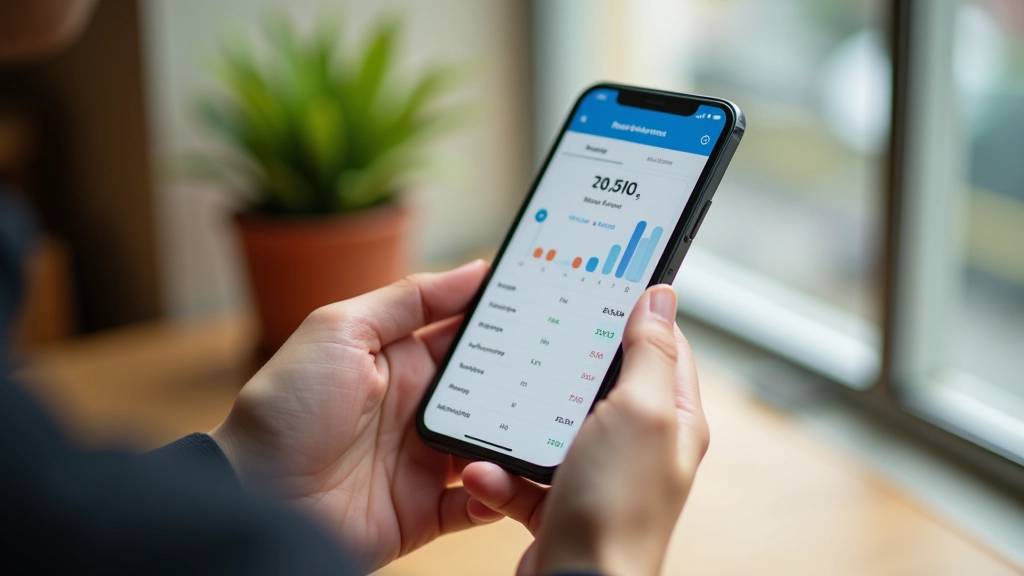




Quick Comparison: Which App for You?
Educational Information
This guide is informational only. App features, pricing, and bank compatibility change regularly. Always check the current app listing on your device’s app store and verify bank integration before downloading. We’re sharing what worked for us during testing in April 2026, but your experience may differ based on your specific banks and devices.
Getting Started: Practical Steps
Pick Your Priority
What matters most to you? Automatic syncing, visual reports, or ease of use? That’ll help you narrow down. You don’t need ALL features — just the ones you’ll actually use.
Test the Free Version First
All three apps have free tiers. Spend a week just entering transactions and checking the interface. Does it feel natural? Can you find the reports you need? This matters more than reading reviews.
Connect Your Main Bank Account
Once you’ve chosen, set up the automatic sync with your primary HK bank. This removes the biggest friction point — manual entry. You’ll be much more likely to stick with it.
Customize Your Categories
Default categories often don’t match real life. You might need “Octopus top-ups,” “Dim sum,” and “Gym membership” as separate lines. It’s worth spending 15 minutes to get this right — it’ll make your reports actually useful.